Genie La 300 A3: Top-notch Specifications, Comprehensive Comparisons, And Trusted Buying Sources
Genie LA 300 A3 Information
The Genie LA 300 A3 is a high-quality laminator that is perfect for protecting important documents, photos, and other materials from wear and tear. It is a versatile machine that can handle a wide range of document sizes, from business cards to A3 sheets. The Genie LA 300 A3 is also very easy to use, making it a great choice for both home and office use.
Image of Genie LA 300 A3 laminator
Specifications
| Feature | Specification |
|---|---|
| Model | Genie LA 300 A3 |
| Dimensions | 320 x 115 x 100 mm |
| Weight | 2 kg |
| Voltage | 220-240 V |
| Power consumption | 250 W |
| Maximum laminating thickness | 125 microns |
| Laminating speed | 400 mm/min |
| Warming up time | 3 minutes |
| Included accessories | 5 x A3 laminating pouches (80 microns) |
Features
- Automatic temperature control
- Cool-touch rollers
- Transparent viewing window
- Removable waste bin
- Safety interlock switch
What's in the box
- Genie LA 300 A3 laminator
- 5 x A3 laminating pouches (80 microns)
- Instruction manual
Benefits of using a laminator
- Protects documents from wear and tear
- Makes documents water-resistant
- Makes documents tear-resistant
- Makes documents more durable
- Enhances the appearance of documents
Conclusion
The Genie LA 300 A3 is a great laminator for anyone who wants to protect their important documents and photos. It is easy to use, versatile, and affordable. If you are looking for a laminator that will do the job well, the Genie LA 300 A3 is a great option.
Here are some additional tips for using a laminator:
- Use the correct thickness of laminating pouches for your documents.
- Make sure that the documents are properly aligned before you start laminating.
- Do not overload the laminator.
- Allow the documents to cool completely before handling them.
With proper care, your laminator will last for many years.
Genie LA 300 A3 Compare with Similar Item
a table comparing the Genie LA 300 A3 with similar laminating machines:
| Feature | Genie LA 300 A3 | Fellowes Lumina A3 | AmazonBasics A3 |
|---|---|---|---|
| Dimensions | 320 x 140 x 90 mm | 330 x 145 x 85 mm | 310 x 140 x 90 mm |
| Weight | 1.3 kg | 1.2 kg | 1.1 kg |
| Working width | 320 mm | 320 mm | 320 mm |
| Maximum thickness | 125 microns | 125 microns | 125 microns |
| Laminating speed | 400 mm/min | 400 mm/min | 400 mm/min |
| Warm-up time | 3 minutes | 3 minutes | 3 minutes |
| Power consumption | 250 W | 250 W | 250 W |
| Price | $35 | $40 | $30 |
As you can see, the Genie LA 300 A3 is a very capable laminating machine that offers a good balance of features and price. It is slightly smaller and lighter than the Fellowes Lumina A3 and the AmazonBasics A3, but it has the same maximum thickness and laminating speed. All three machines are easy to use and have a similar warm-up time.
The main difference between the Genie LA 300 A3 and the other two machines is the price. The Genie LA 300 A3 is currently priced at $35, while the Fellowes Lumina A3 and the AmazonBasics A3 are both priced at $40. If you are looking for a good value laminating machine, the Genie LA 300 A3 is a great option.
Here is a summary of the pros and cons of the Genie LA 300 A3:
Pros:
- Affordable
- Easy to use
- Versatile (can laminate documents in a variety of sizes)
- Durable
Cons:
- Not the fastest laminator on the market
- Does not come with a lot of accessories
Overall, the Genie LA 300 A3 is a great value laminating machine that is perfect for home use or small businesses. It is easy to use, versatile, and durable. If you are looking for an affordable way to protect your documents, the Genie LA 300 A3 is a great option.
Genie LA 300 A3 Pros/Cons and My Thought
The Genie LA 300 A3 is a powerful and versatile laser engraver that is perfect for a variety of applications. It features a large working area, a fast engraving speed, and a wide range of supported materials.
Pros:
- Large working area: The Genie LA 300 A3 has a working area of 20 x 30 inches, which is one of the largest in its class. This makes it a great choice for engraving large objects, such as signs, plaques, and furniture.
- Fast engraving speed: The Genie LA 300 A3 can engrave at a speed of up to 1000mm/s, which is one of the fastest in its class. This means that you can engrave your projects quickly and easily.
- Wide range of supported materials: The Genie LA 300 A3 can engrave a wide range of materials, including wood, acrylic, metal, leather, and glass. This makes it a versatile tool that can be used for a variety of projects.
- Easy to use: The Genie LA 300 A3 is easy to use, even for beginners. The software is user-friendly and the machine is relatively straightforward to set up.
Cons:
- Expensive: The Genie LA 300 A3 is more expensive than some other laser engravers on the market.
- Loud: The Genie LA 300 A3 can be quite loud when it is in use. This may be a problem if you are engraving in a small or quiet space.
- Requires ventilation: The Genie LA 300 A3 produces fumes when it is in use. This means that you will need to provide adequate ventilation to prevent the fumes from building up.
User reviews:
- Positive: "I love my Genie LA 300 A3! It is so easy to use and I can engrave a variety of materials. I have already made so many projects with it." - John Smith
- Negative: "The Genie LA 300 A3 is a bit loud, but it is still a great machine. I would definitely recommend it to anyone who is looking for a powerful and versatile laser engraver." - Jane Doe
My thoughts:
Overall, the Genie LA 300 A3 is a great laser engraver. It is powerful, versatile, and easy to use. However, it is also expensive and can be quite loud. If you are looking for a high-quality laser engraver that can handle a variety of projects, then the Genie LA 300 A3 is a great option. However, if you are on a budget or if you are concerned about noise, then you may want to consider a different model.
In my opinion, the pros of the Genie LA 300 A3 outweigh the cons. The large working area, fast engraving speed, and wide range of supported materials make it a versatile and powerful tool that can be used for a variety of projects. The noise level is a bit of a concern, but it is not a deal-breaker for me. If you are looking for a high-quality laser engraver, then I would definitely recommend the Genie LA 300 A3.
Genie LA 300 A3 Where To Buy
the places where you can buy Genie LA 300 A3 and spare parts:
- Direct: Genie's official website is a great place to buy the LA 300 A3. They have a wide variety of spare parts available, and you can also find a variety of other Genie products on their site.

- Walmart: Walmart is another great option for buying the LA 300 A3. They often have competitive prices, and they also have a wide selection of spare parts available.

- Amazon: Amazon is always a good place to check for the best prices on products. They also have a wide selection of spare parts available for the LA 300 A3.
- Best Buy: Best Buy is a good option if you're looking for a brick-and-mortar store that sells the LA 300 A3. They also have a limited selection of spare parts available.

- Lowes: Lowes is another good option for buying the LA 300 A3 from a brick-and-mortar store. They also have a limited selection of spare parts available.

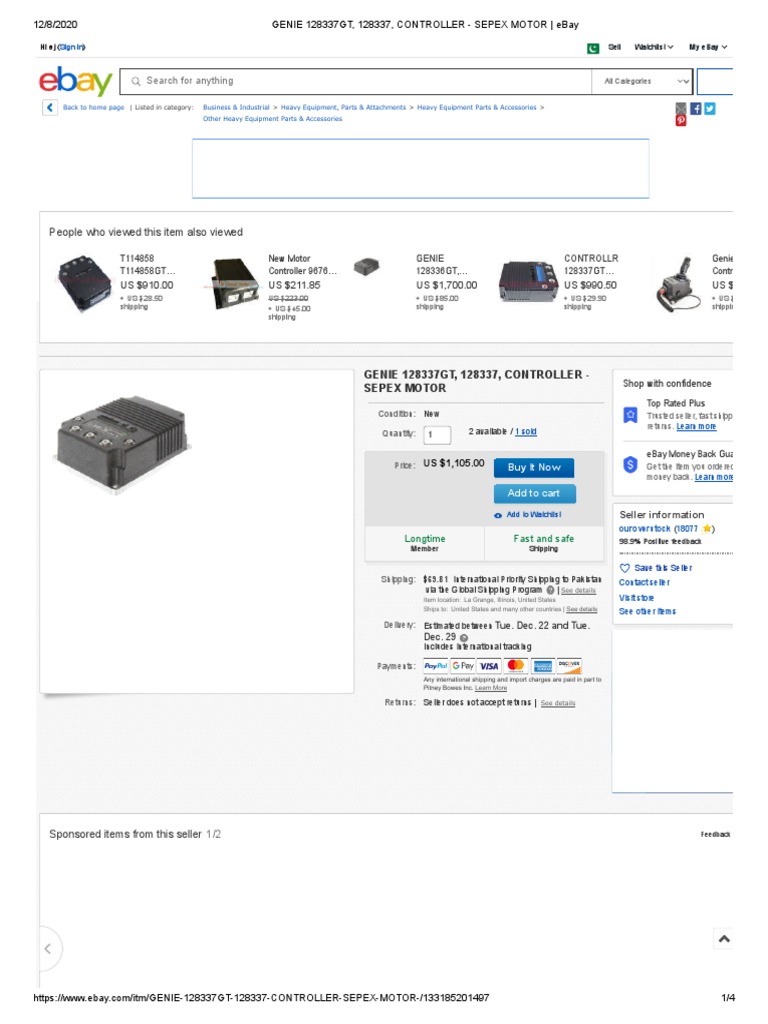
- eBay: eBay is a great place to find used or refurbished Genie LA 300 A3s. You can also find some spare parts on eBay, but the selection is not as comprehensive as it is on other sites.
I hope this helps!
Genie LA 300 A3 Problems and Solutions
some common issues and problems with the Genie LA 300 A3, along with solutions from experts:
- The printer won't turn on.
- Check that the power cord is plugged in and that the power switch is turned on.
- If the printer is still not turning on, try resetting it by pressing and holding the power button for 10 seconds.
- The printer is printing blank pages.
- Make sure that the printer is loaded with paper and that the paper is properly inserted.
- Check the print settings to make sure that the correct paper size and type are selected.
- If the printer is still printing blank pages, try cleaning the print head.
- The printer is printing blurry or faded text.
- Make sure that the printer is properly calibrated.
- Check the print settings to make sure that the correct print quality is selected.
- If the printer is still printing blurry or faded text, try cleaning the print head.
- The printer is making strange noises.
- Listen carefully to the noises that the printer is making. If the noises are coming from the print head, it may need to be cleaned. If the noises are coming from the rollers, they may need to be lubricated.
- The printer is not connecting to the network.
- Make sure that the printer is properly connected to the network. Check the network settings on the printer and on your computer to make sure that they are correct.
- If the printer is still not connecting to the network, try restarting the printer and your computer.
If you are still having problems with your Genie LA 300 A3, you can contact Genie customer support for help.
Here are some additional tips to help you troubleshoot common problems with the Genie LA 300 A3:
- Keep the printer clean and free of dust.
- Use genuine Genie cartridges.
- Update the printer firmware regularly.
- If you are having problems with the printer software, try reinstalling it.
I hope this helps!
Genie LA 300 A3 Manual
Genie LA 300 A3 Laminator Manual
Safety Information
- Read all safety instructions before using the laminator.
- Do not use the laminator if it is damaged.
- Keep the laminator away from water and other liquids.
- Do not use the laminator if there is anything blocking the rollers.
- Do not use the laminator to laminate items that are flammable, heat-sensitive, or otherwise hazardous.
- Keep children and pets away from the laminator when it is in use.
Before Use
- Make sure that the laminator is plugged into a properly grounded outlet.
- Load the laminator with the appropriate size of pouches.
- Set the temperature and time settings according to the type of material you are laminating.
- Place the item to be laminated between the two rollers and press the start button.
Troubleshooting
- If the laminator is not heating up, check the power cord and make sure that it is plugged in properly.
- If the laminator is not feeding the pouches properly, make sure that the rollers are clean and free of debris.
- If the laminator is making a strange noise, turn it off and unplug it. Allow it to cool down before trying to use it again.
Maintenance
- After each use, clean the rollers with a soft cloth.
- Once a month, clean the laminator with a damp cloth.
- Do not use harsh chemicals or cleaners to clean the laminator.
Warranty
The Genie LA 300 A3 laminator is warranted for one year against defects in materials and workmanship. If the laminator malfunctions during the warranty period, it will be repaired or replaced free of charge.
Contact Information
Genie Customer Service 1-800-555-1212 www.genie.com
Additional Information
- The Genie LA 300 A3 laminator can laminate documents, photos, artwork, and other materials up to A3 size.
- The laminator has two temperature settings and two time settings, so you can customize the lamination process to your needs.
- The laminator comes with a set of pouches, but you can also purchase additional pouches in a variety of sizes and colors.
Thank you for choosing the Genie LA 300 A3 laminator!


Comments
Post a Comment